


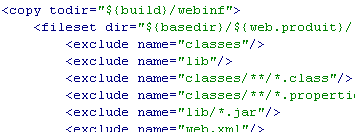
“take away one at a time until you get to the egg, web.xml
More Xanimals coming up soon!
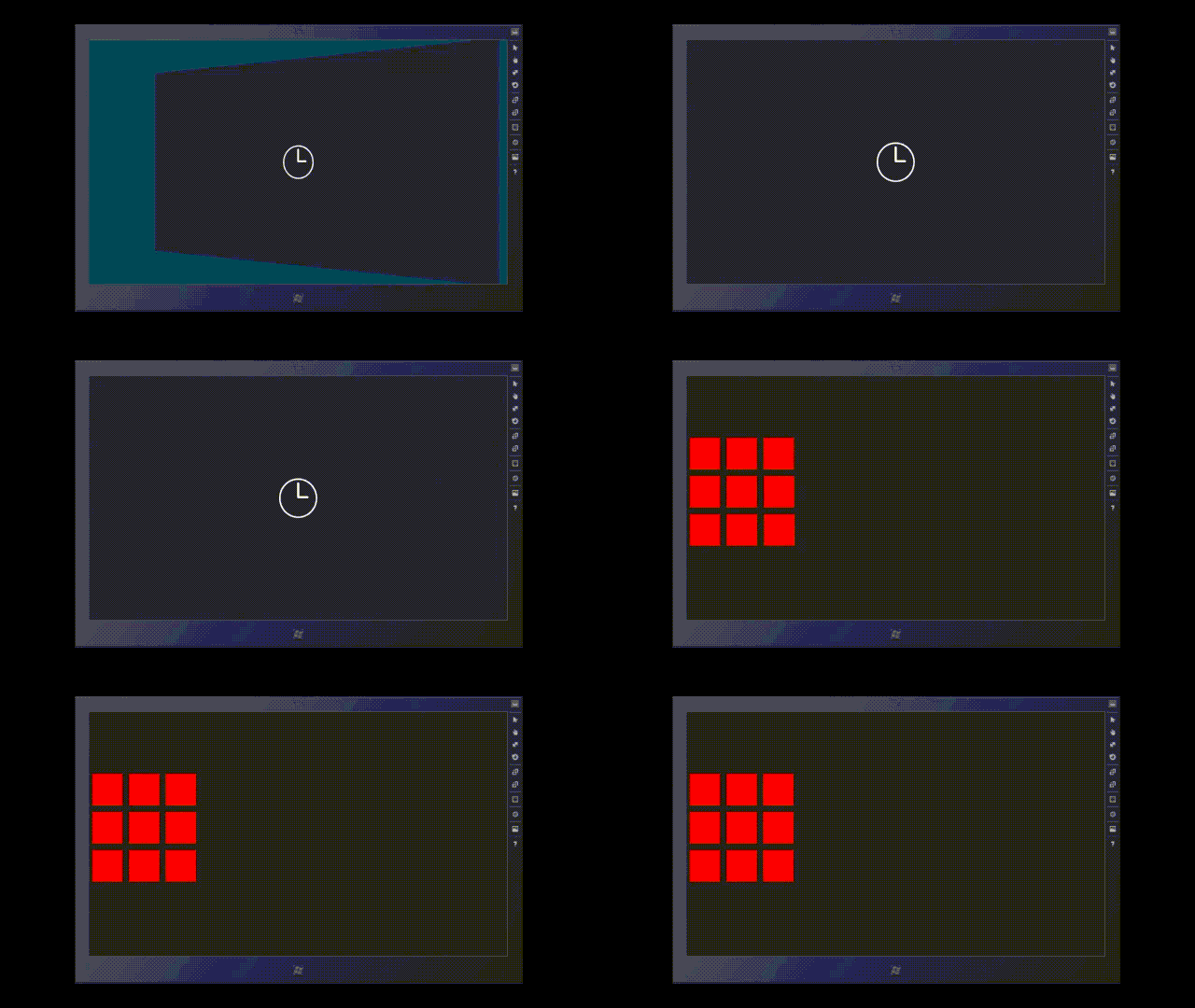

Note where the common objects are, meaning where new screens overlap old screens.
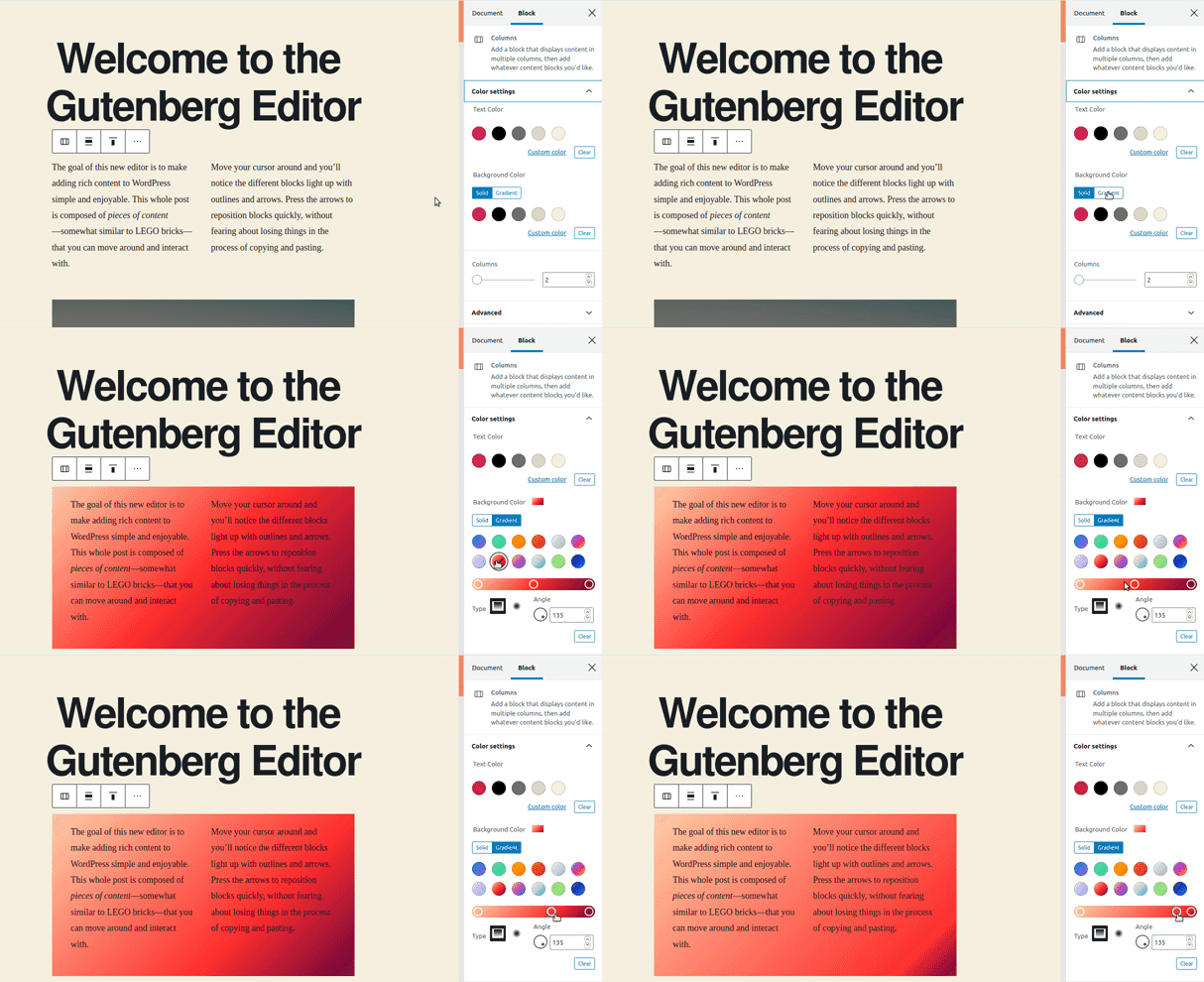
That is the XML – the container and block framework, made famous by Gutenberg.

Thats a gif!


Do not let the recent reality check that is shaking up the “dot-com”
and “tech-stock whiz kids” fool you. (GOG)
The Internet — and its most well-known facet, the World Wide Web — are here to stay.
And the language of the Web is HTML. Learning HTML is much easier than you probably think.
By following the tasks in this book, you will be creating your own Web pages within the first couple hours.


Welcome to the world of the Component Object Model. (COM) PLETE –
Welcome to the COM-PLETE Show,
If there was ever a subject that lent itself nicely to examples, it’s this one.
None of the APIs, configuration files, classes, wizards, or helper applications of COM can stand alone –
“Hyperlinks?”
-HTML4 Conference
You need an example of how to use them all together in order to know how to do anything.
-At the AOL Monopoly Dispute
oui – they did it again. such sweet shame.

–you need an example of how to use them all together in order to know how to do anything. And when you have an example, and know what you’re doing (Man On Fire), adding COM to your application will take up almost none of your development time.
With this book, I have tried to provide examples of the most commonly used features of COM. I hope this format will be both informative to a COM novice yet still invaluable to a proficient COM expert.

The examples in this book are grouped into chapters that cover several different aspects of using COM, from in-process DLL’s to remotely accessed applications, and from using the COM API directly (macho COM) to letting the Active Template Libraries (ATL) classes do most of the work.
Similar chapters have been organized into one of the following sections.

Although I have tried to make this book example oriented, knowing a little bit of the story first can really help out when something you try does not work.

You can certainly skip this section if you want, but I will be referring back to it later.
-Bee

The remainder of this book is composed of working COM examples representing the earliest days of COM to the present, from ActiveX Controls to MTS and COM+.
Topics include creating and accessing COM objects using the API –

Communication Panels – from back in the day.

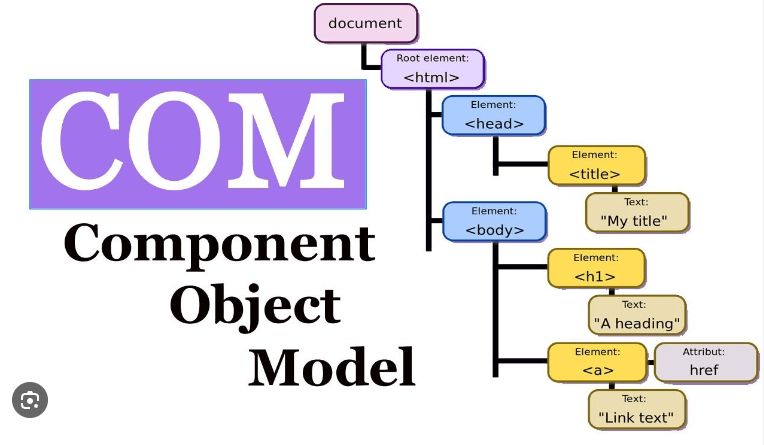
These are COMs. COMs are elements that serve as containers – this is the Component – Object – Model View.
Component – the plug, or what the container represents
Object – <figure of speech> in formatting
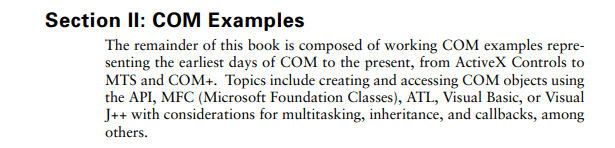

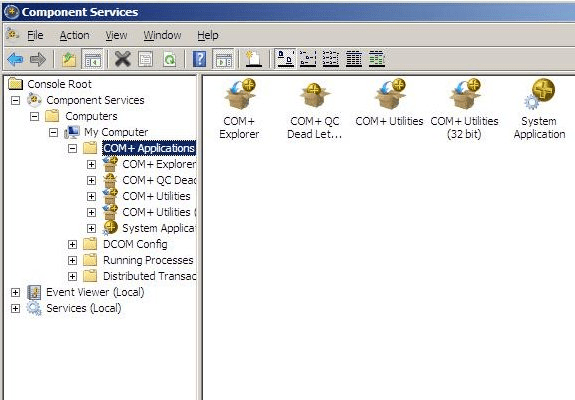
Where Components and Communications Meet for Business Services & Business Intelligence…
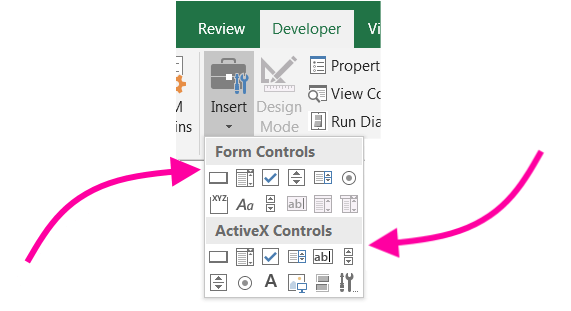
ActiveX Controls – they take the sequence of the electricity and use it to power these functions automatically.
The remainder of this book is composed of working COM examples representing the earliest days of COM to the present, from ActiveX Controls to MTS and COM+.

This is the receipt paper you requested. Of course sir.
Topics include creating and accessing COM objects using the API, Microsoft Foundation Classes (MFC), ATL, Visual Basic, or Visual J++ with considerations for multitasking, inheritance, and callbacks, among others.
#CD+

Included with this book is a CD containing a working Visual C++, Visual Basic, or Visual J++ v6.0 project for every example in this book. If you want to find the project for an example, just locate its example number among the subdirectories on the CD.

That’s how much “Trapped By The Ice” made us paper money.
“you add up your total pages in your books, and that’s how much paper money you have.”

This is a call back receipt.
It is often translated into a data base. However, using the same formatting for different or the same categories has proven effective at collective evidence that are compressed to strips and bars, and that’s where the bar code was invented.
Also, on the CD is the SampleWizard utility, which can help you add the examples in this book directly to your applications.
This utility guides you through a catalog of examples which if selected details the instructions and code necessary for including the example in your project.
You will also be given the opportunity to substitute the project name (“Wzd”) with your own.
The Sample wizard can be found in the \SWD directory on the CD. It makes use of the \Wizard subdirectory found in each example on the CD and contains all of the particulars for that example.
Simply execute SW.EXE. The rest should be intuitive.
I have found it particularly useful as a user tool in the Developer Studio. Make sure to configure the directory as the current project directory –
[$(WkspDir)]
and your requested example will be copied (compiled?) directly into your project directory.



welcome to what might be the single most important part in this book! Throughout these pages, you will discover the possibilities that open up to you as you become proficient in properly coding HTML.
However, the first step is to conquer any fears you might have as you approach this new – and perhaps somewhat intimidating — field. The importance of a solid understanding of the basics of the technology into which you are about to delve cannot be overstated.

Just like any other mystery, the mystique surrounding Web development and HTML coding quickly evaporates as you examine the pieces. In this part, we will look at the most basic of those pieces.
You will find that HTML is not so mysterious after all. You will learn that the tools you use can be simple and relatively uncomplicated.
You will discover that “code” that makes up HTML presents little challenge once you know how to structure it.
And you will see that even the most fancy HTML techniques are based on the same logical rules of construction that you will learn in this part.

In the following, I present the basic techniques you will need as an author of HTML. In addition, as you learn more about HTML today, you will be developing the solid coding techniques that will carry you into more sophisticated Web technologies tomorrow.
You will learn how to create a text document that you will save as an HTML file.
You will learn how that HTML file becomes a Web page when you view it in a Web browser (a program that allows you to view Web pages on the Internet), and how that single page works with all the other pages you write to create a Web site.

No matter how good you turn out to be as a Web designer or how sophisticated the pages that you eventually code become, you must first get started. The tasks in this part are so important because they give you that start.
Spend the time to thoroughly understand the information presented in these tasks.
Do not let the basic nature of the information feed the urge to skim through without really learning it. Mastering these basics ensures that you will easily understand the techniques presented in the remainder of the book.
Let’s get started.

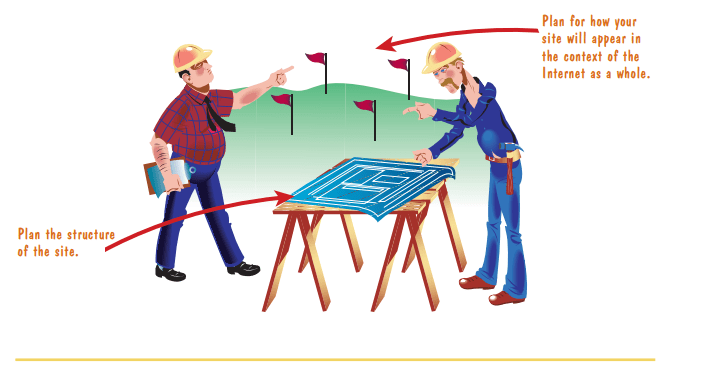
Before you start creating HTML, you need to do a little planning.
How will the single HTML document (known as a Web page) you want to create be used?
For a backdrop for a carnival or fair. I wanna know about extensions. #gentleman!
What will it accomplish?
Alluring customers to unsafe practices so they can learn from their mistakes in a simulated environment.
“Look, it’s safe here.”
And how does it fit in with other pages in the Web site?
It is a portal. I’d like it to be a grand entrance, or something subtle.
You need to spend time exploring these issues.


These login pages are all the same.
Then I had an idea, to get back at Zuckerberg and facebook for not seeing the elps before they put it out.

What if every shape on here, every character or textblock was a button to the Chrome Extension Browser Hostel Page?
What if…?

So I took it to AnyTime Fitness, and had it put on a the CRM page and the login machine system with the touch screen capacity to log information through touch – fed signals.
“I been hungry all my life.”
A Web site – stop it now. Put your hand down. You know better than to go there with me.
–linked together in countless ways. If you do not know where you are going, you probably will not be too happy with where you end up.
Planning is the key to an organized, effective Web site. If you do not have a plan, you might wind up with a haphazard, disorganized, frustrating, and inefficient mess.
[FREE] Kanye West x Graduation Type Beat “SADNESS” (youtube.com)
 Site Title
Leave a comment