


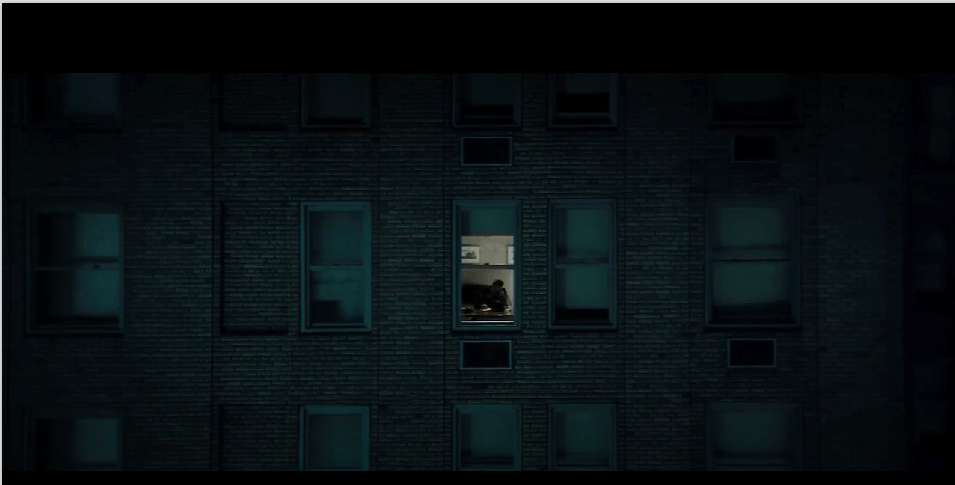
With a simple Brooks Brothers Projector, we can create this effect for cinema.
#1402
“Don’t enter 1408.”
Or “who” wakes up.

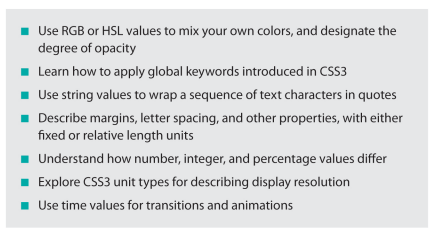
RGB and HSL values
learn global keywords introduced in css3
use string values to wrap a sequence of text characters in quotes
margins, letter spacing, and other properties
with fixed or relative length units –
“now that’s what I’m talkin about. The math.”
-Mr. Cheebs
understand how number, integer, and percentage values differ
“differ”
describe display resolution with and for unit types
use time values for transitions and animations
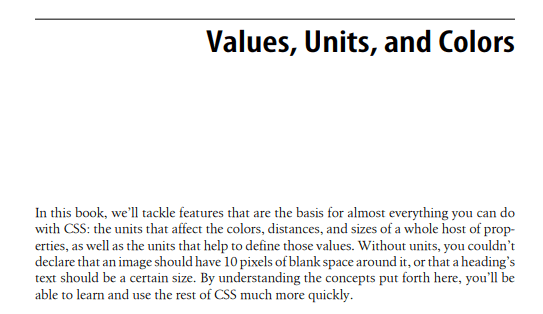
“we are the basis for almost everything you can do with CSS – “
-Chuck Rhoades Short
“except for the wrong side of the argument and we were being driven by a small mario.”
-Chuck Rhoades Honest
“Chuck Rhoades is a sucker.”
-Chuck Rhoades Sr.
CSS is mostly comprised of UNITS that affect
colors
distances
and sizes
FOR PROPERTIES – attached to controls, but on which side of the screen?
YOu’ll find out. Stay tuned.

we’ll explore units that help to define those values as well, both big and small.
#aspect-ratio
“ill throw that in” for our KWL Chart.

CSS is Values Units and Colors ()
But keywords, strings, and other text values help it connect to the computer environment for compact functions and overall display methods.

Let’s explore this.
“everything in a style sheet is text”
We agree – there are certain value types that reign supreme, so to speak, by directly representing strings of text as opposed to say, numbers or colors –
numbers, or colors
This changes with this book and css3.
-Conference Attendee
URLs and images needed a solid way to stay connected and reconnect when CSS images go out to the plane, with their portfolio (solutions explorer) files, so things don’t get lost in the terminal, or transition.
“speaking of transitions”
With CSS, the file structures that come to the front, learn horizontal planning, by studying the difference from moving across the screen out, versus moving between or back and forth to the front of the screen.
“after seeing the same things from both perspectives, i realized I could transition left to right on the front of the screen, and slide in, the same way I did on the terminal – like taking a train route to the sky, and then floating left and right, on the front, using the left and right controls from the control panel, property control.
It’s sort of like flying while also learning how to float at the front of the screen. #superman
-CSS Azure Model Student
 Site Title
Leave a comment